
Flying Blue: How to transfer miles with Flying Blue Family
Flying Blue Family allows you to transfer points from your family members to your own Flying Blue Account. Check out how to do that now!
TRAVELNEWS
One of the best features of Flying Blue is Flying Blue Family, which allows you to accumulate and consolidate miles across members. I've had the opportunity to consolidate and transfer the miles recently, so let me show you how.
Transferring the miles
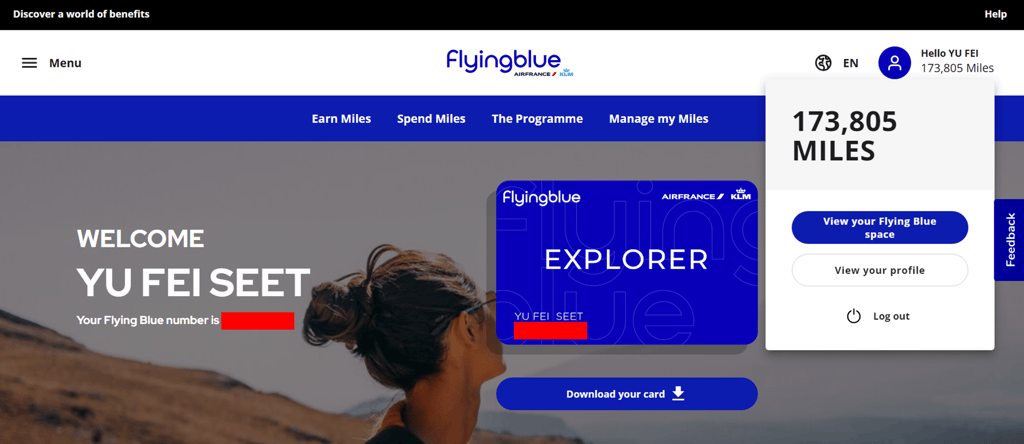
Once you login to your Flying Blue account, click on the top right corner, and select 'View your profile'.
Click on 'Flying Blue Family' next and you should be able to see all members of your family. Click on 'Transfer Miles'
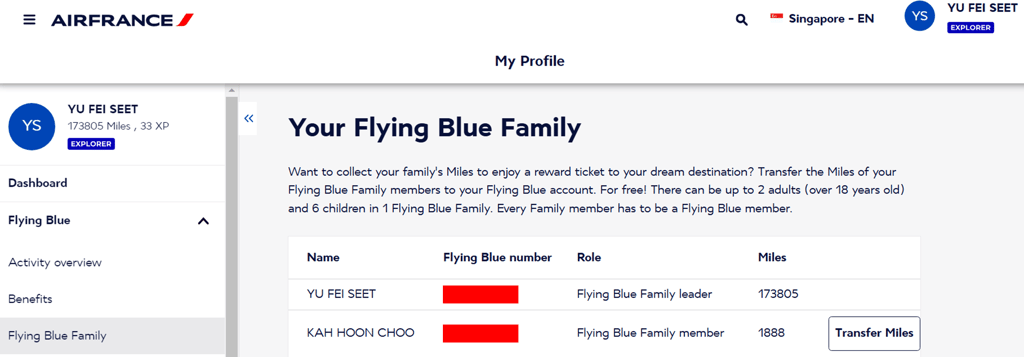
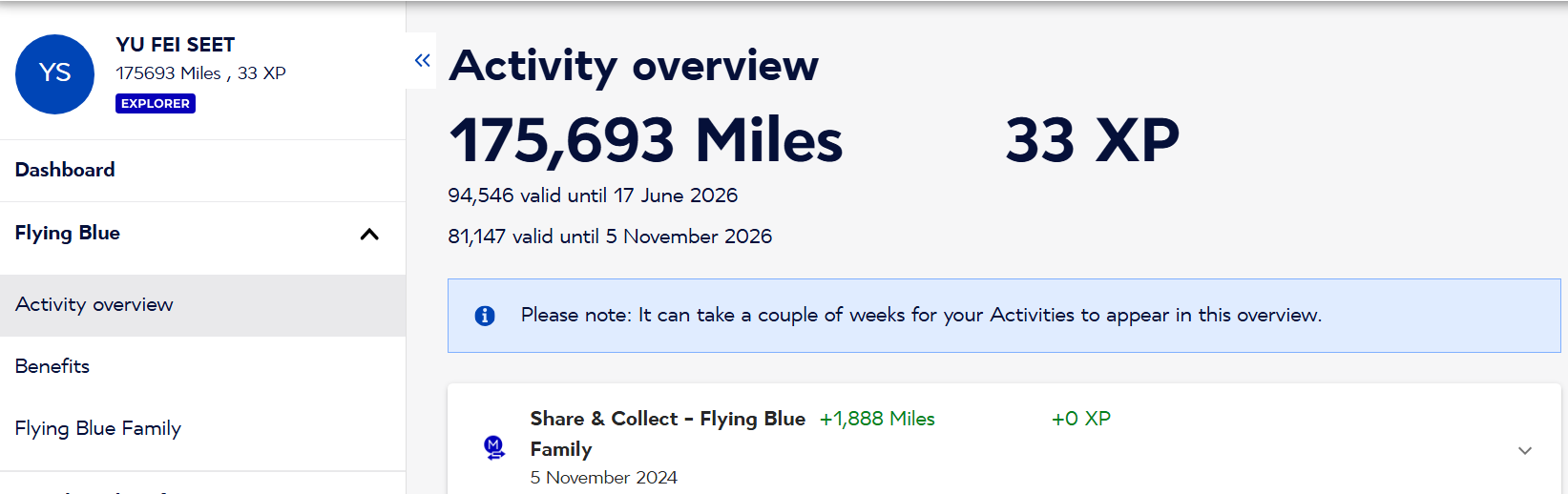
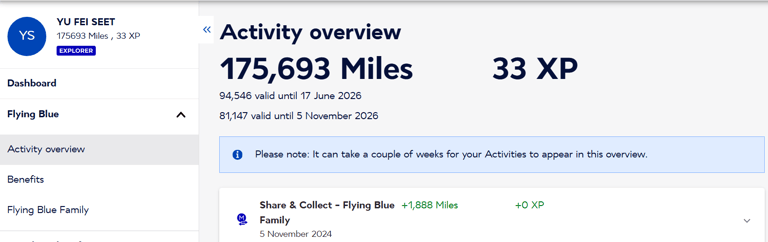
You can then check your activity overview to make sure that the miles have been transferred successfully.
Conclusion
Flying Blue Family is a great feature to have for making it easier to collect more miles. If you are on a family trip, with kids etc, do make sure to sign your family members up for Flying Blue, and transfer the miles after you trip!
Other Stories
Disclaimer: The content on this site is for informational purposes only and should NOT be taken as legal, business, tax or investment advice. The content does NOT constitute an offer or solicitation to purchase any investment.
This site does not take into account your personal financial situation or needs, and makes no representation and assumes no liability to the accuracy or completeness of the information provided here. This site shall not be liable for any losses that may arise as a result of the content published.
Want all of these in your inbox?
Subscribe to the newsletter and never miss a story.
We care about your data in our privacy policy.